Lightroom 1
Introduction to Adobe Lightroom
Are you ready to streamline your photography workflow and elevate your post-processing skills? This Introduction to Adobe Lightroom class is designed for photographers of all levels who want to master the essentials of this powerful photo editing software.
What You’ll Learn:
-
Importing Photos: How to efficiently bring your images into Lightroom from your camera or storage device.
-
File Management: Best practices for organizing your photos using folders, keywords, and collections to keep your library neat and searchable.
-
Setting Up a Successful Workflow: Learn how to customize Lightroom settings, create presets, and establish an efficient editing process to save time while achieving consistent results.
-
Basic Photo Editing: Introduction to the Develop module for adjusting exposure, contrast, color, and other essential edits.
-
Exporting Your Work: How to save and share your images in the appropriate formats for web, print, or social media.
Who Should Attend:
This class is ideal for photographers new to Adobe Lightroom or anyone looking to establish a solid foundation in photo organization and editing. Whether you’re a hobbyist or an aspiring professional, you’ll walk away with the confidence to manage and enhance your images like a pro.
What to Bring:
-
A laptop with Adobe Lightroom Classic installed (free trial or licensed version).
-
A selection of photos to work on during the session.
Join us and take the first step toward transforming your photo library into a polished, professional portfolio!
Lightroom1
Product Information
Product Information
Shipping & Returns
Shipping & Returns
Lightroom 1
Lightroom 1
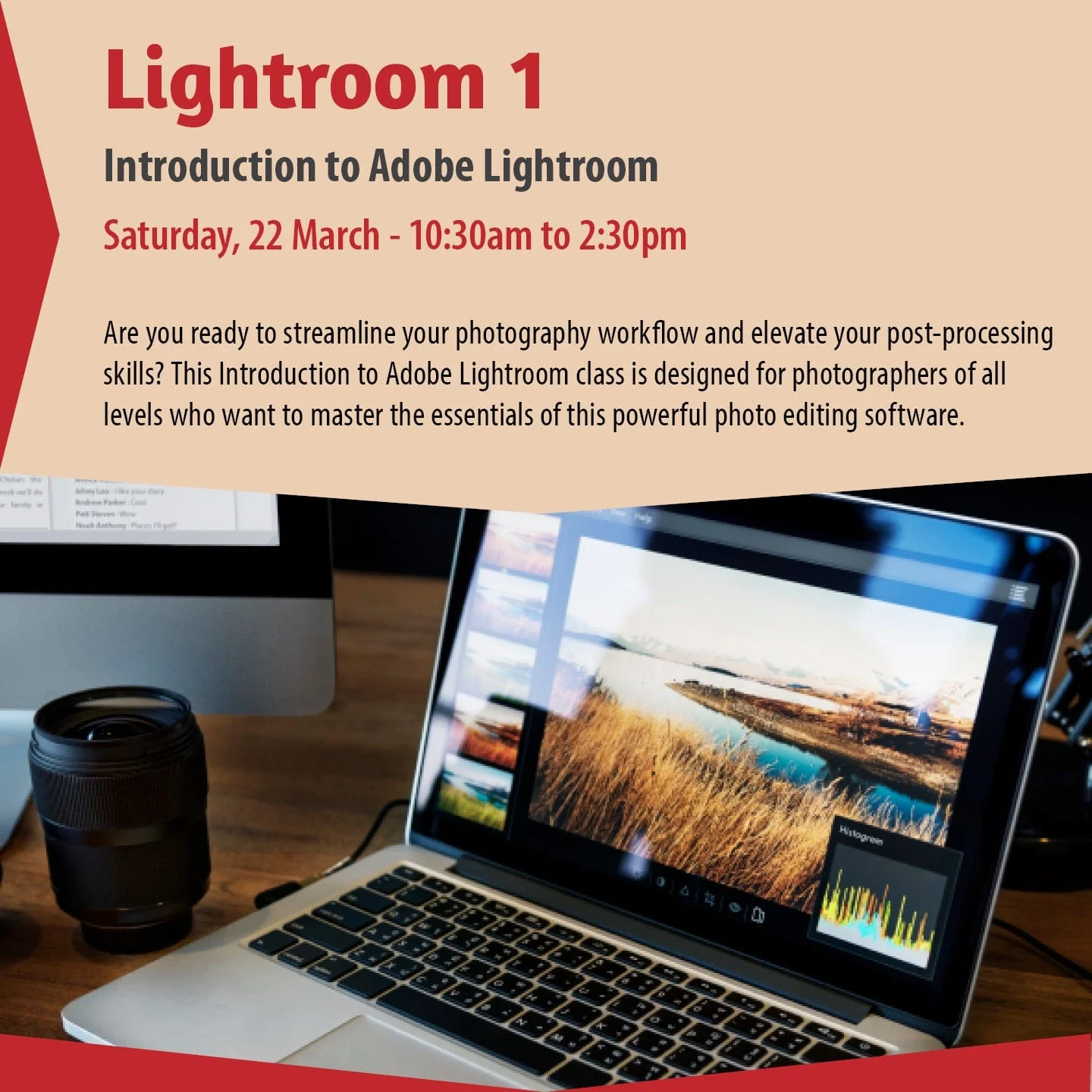
Introduction to Adobe Lightroom
Are you ready to streamline your photography workflow and elevate your post-processing skills? This Introduction to Adobe Lightroom class is designed for photographers of all levels who want to master the essentials of this powerful photo editing software.
What You’ll Learn:
-
Importing Photos: How to efficiently bring your images into Lightroom from your camera or storage device.
-
File Management: Best practices for organizing your photos using folders, keywords, and collections to keep your library neat and searchable.
-
Setting Up a Successful Workflow: Learn how to customize Lightroom settings, create presets, and establish an efficient editing process to save time while achieving consistent results.
-
Basic Photo Editing: Introduction to the Develop module for adjusting exposure, contrast, color, and other essential edits.
-
Exporting Your Work: How to save and share your images in the appropriate formats for web, print, or social media.
Who Should Attend:
This class is ideal for photographers new to Adobe Lightroom or anyone looking to establish a solid foundation in photo organization and editing. Whether you’re a hobbyist or an aspiring professional, you’ll walk away with the confidence to manage and enhance your images like a pro.
What to Bring:
-
A laptop with Adobe Lightroom Classic installed (free trial or licensed version).
-
A selection of photos to work on during the session.
Join us and take the first step toward transforming your photo library into a polished, professional portfolio!
Lightroom1
$45.50
Original: $129.99
-65%Lightroom 1—
$129.99
$45.50Product Information
Product Information
Shipping & Returns
Shipping & Returns
Description
Introduction to Adobe Lightroom
Are you ready to streamline your photography workflow and elevate your post-processing skills? This Introduction to Adobe Lightroom class is designed for photographers of all levels who want to master the essentials of this powerful photo editing software.
What You’ll Learn:
-
Importing Photos: How to efficiently bring your images into Lightroom from your camera or storage device.
-
File Management: Best practices for organizing your photos using folders, keywords, and collections to keep your library neat and searchable.
-
Setting Up a Successful Workflow: Learn how to customize Lightroom settings, create presets, and establish an efficient editing process to save time while achieving consistent results.
-
Basic Photo Editing: Introduction to the Develop module for adjusting exposure, contrast, color, and other essential edits.
-
Exporting Your Work: How to save and share your images in the appropriate formats for web, print, or social media.
Who Should Attend:
This class is ideal for photographers new to Adobe Lightroom or anyone looking to establish a solid foundation in photo organization and editing. Whether you’re a hobbyist or an aspiring professional, you’ll walk away with the confidence to manage and enhance your images like a pro.
What to Bring:
-
A laptop with Adobe Lightroom Classic installed (free trial or licensed version).
-
A selection of photos to work on during the session.
Join us and take the first step toward transforming your photo library into a polished, professional portfolio!
Lightroom1